- DATE:
- AUTHOR:
- The Thanx team
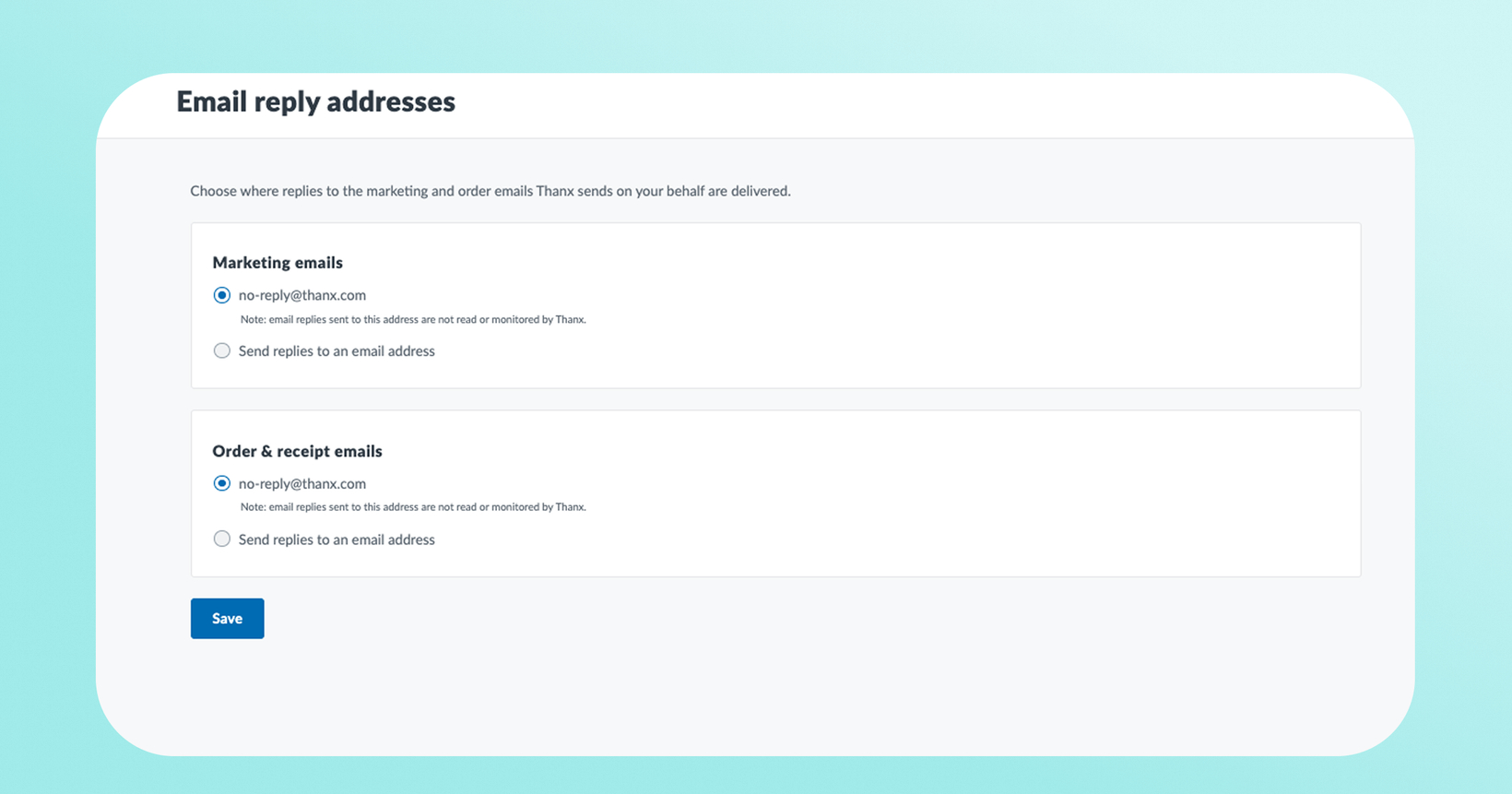
Customize the reply-to address of your marketing and transactional emails
Set a dedicated reply-to address for your emails, so when guests hit "reply," their message goes straight to the inbox you choose.
 What is it?
You can now configure the reply-to address on your Thanx emails (or your marketing and order/receipt emails) right from your dashboard settings. Set the address you want guest replies to land in like your marketing inbox, your support team, wherever guest conversations belong. You can set one reply-to for your marketing emails and another for transactional emails, so each kind of reply reaches the right team. The default setting goes to no-reply@thanx.com which is not a monitored inbox.
 Why it matters
Hear directly from your guests. When a guest replies to one of your emails, i.e. a question, a compliment, feedback on a recent visit, it lands in an inbox you control, so your team can respond and build the relationship.
Route the right replies to the right team. Use separate reply-to addresses for marketing and transactional emails so each type of message reaches the people best equipped to handle it.
 How it works
In your Thanx dashboard, go to Settings → Email reply addresses.
Enter the reply-to address for your marketing emails (and, if you'd like, a separate one for transactional emails).
Save. New emails will use it going forward.
Managing reply-to addresses requires the content management permission. Users with view access can see the configured addresses without editing them.
 FAQs
FAQs
Can I use different addresses for marketing vs. transactional emails?
Yes — set each independently so guest replies route to the right team.
Who on my team can change this?
Anyone with content-management (manage) permission.
We recommend adding a reply-to address so guest replies reach your team directly and no conversation slips by.