- DATE:
- AUTHOR:
- The Thanx team
Links
Platform & Data Improvements: SFTP, Reports and Credit Card Logos
Three platform improvements are now live: richer SFTP data exports, expanded digital ordering reports, and updated payment UI for Worldpay compliance.
 What is it?
A set of platform-level updates improving data access, reporting coverage, and payment compliance across the Thanx ecosystem.
 Why it matters
These updates remove gaps in your data and reporting workflows — whether that's missing phone numbers in exports, campaign reports that excluded non-Olo merchants, or a payment UI that needed updating for compliance. Each one reduces friction for specific workflows without requiring any action from merchants.
 How it works — What's new
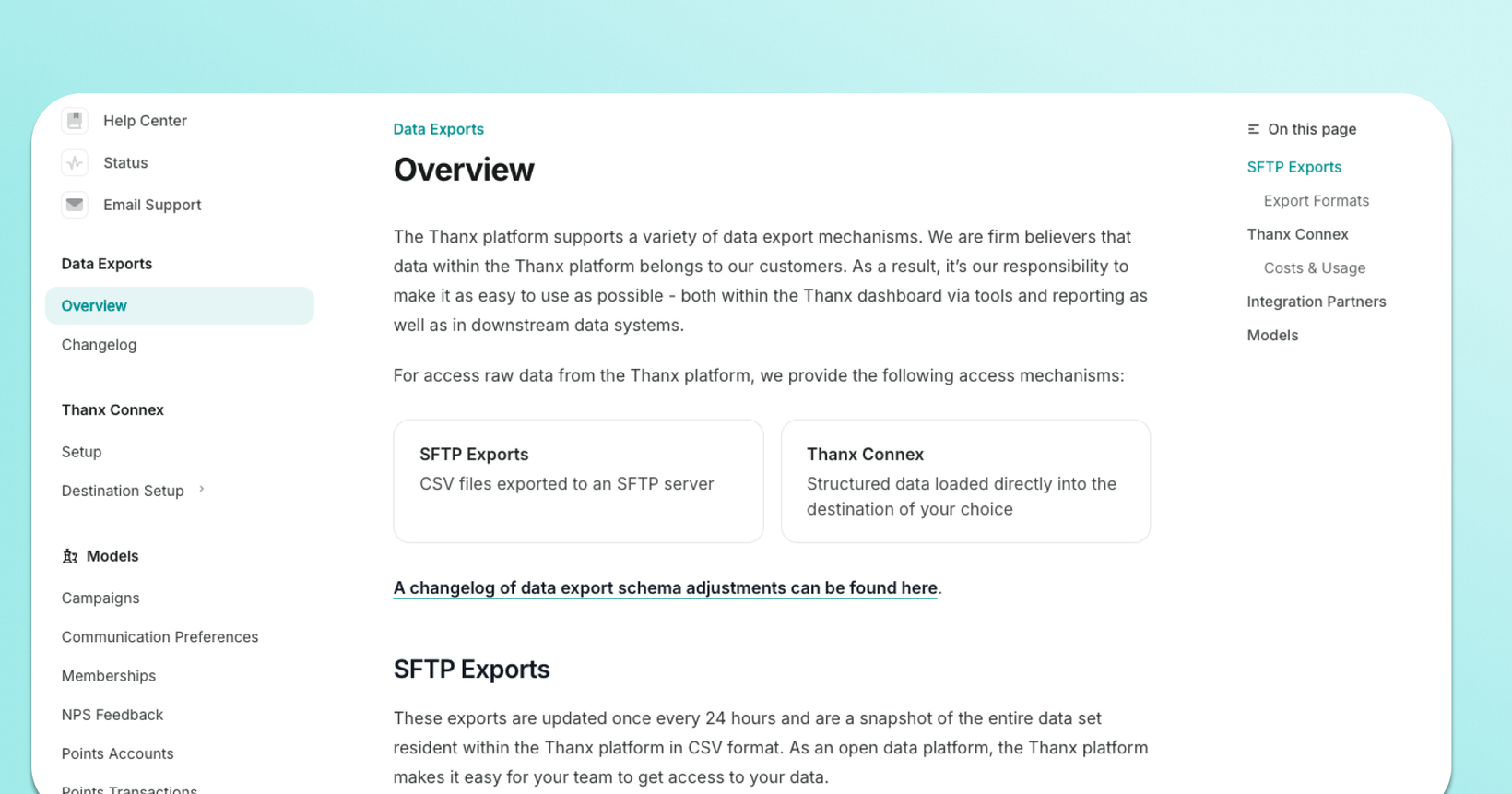
SFTP Exports: Phone numbers + unlimited rows SFTP data exports now include phone numbers, enabling richer guest profiles, improved downstream segmentation, SMS-based automations, and identity matching. The previous 10-million-row export cap has also been removed — exports now support multiple files for larger datasets. See the SFTP Data Exports Help Center article for details on enabling phone number data.
Digital ordering campaign reports: Campaign reports for digital ordering are now available to all merchants using Thanx digital ordering — not just Olo customers. The "Olo only" report folder has been renamed to Digital ordering, and three reports now reflect orders across all eligible merchants: Digital order activity by client, Digital order activity by handoff, and Top 25 items in digital orders.
Credit card logos in payment flow (Worldpay compliance) Visa, Mastercard, and Amex logos now appear in the payment flow at checkout across web and app ordering, in line with Worldpay's updated compliance requirements. No merchant action needed — this update was applied automatically.
 Where to find it in Thanx
SFTP Exports: Reach out to success@thanx.com for more information on how to access your SFTP exports
Digital ordering reports: Access this campaign report from Campaigns → [Campaign Name] → Report → Digital ordering folder
Payment logos: Visible in your checkout flow automatically
 Keep in mind
SFTP: Phone number data requires an enablement step — see the Help Center for setup instructions.
Credit Card Logos: The credit card logo update was applied automatically and does not impact checkout behavior for customers.
Links