- DATE:
- AUTHOR:
- The Thanx team
Links
New in SegmentAI: view segment details in builder
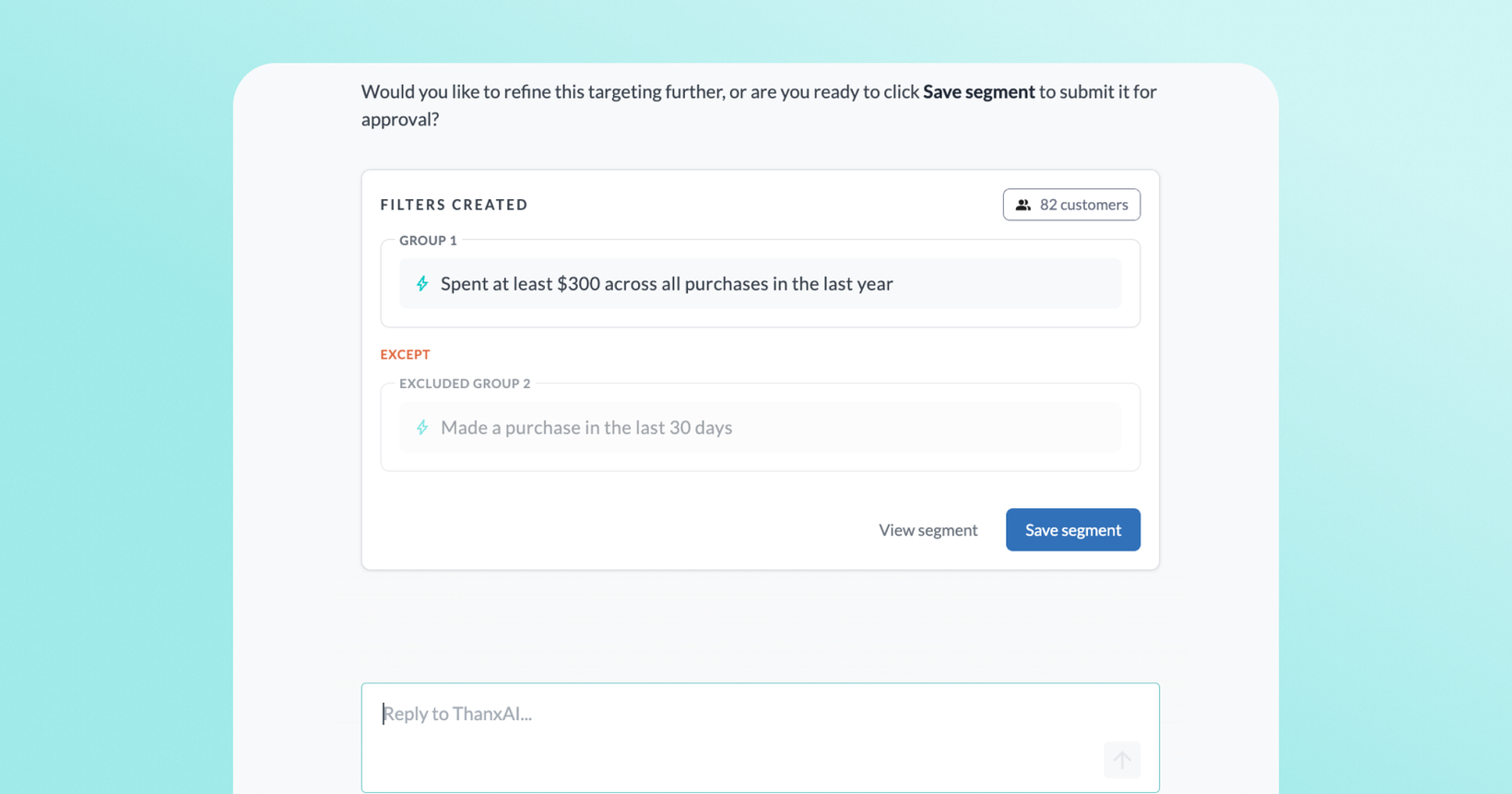
You can now preview segment rules, summary, and sample customers before saving a segment in the SegmentAI builder.
 What is it?
A View segment option appears now on both draft and saved segments in the SegmentAI builder. Choosing this option during the segment building flow opens a popup showing the segment summary, rules, and a sample of the included customers. From there, you can also kick off a campaign directly or build a new segment without leaving the builder.
 Why it matters
Know your audience before you act: see exactly who's included in a segment, including real sample customers, before building a campaign around it.
Stay in your workflow : no more navigating away to cross-check segment details. Everything is visible right where you're working.
Segment to campaign in one flow: launch campaign creation directly from the details view, without losing your place.
Build multiple segments back to back: After saving the segment you are building, you can start a new segment conversation again without leaving the builder.
 How it works
Go to Customers → SegmentAI in your dashboard.
Start building a segment.
Click View segment and a popup opens showing the segment summary, rules, and a sample of included customers.
To build a campaign, click Create a campaign from the builder.
Links