- DATE:
- AUTHOR:
- Sara Delgado
Links
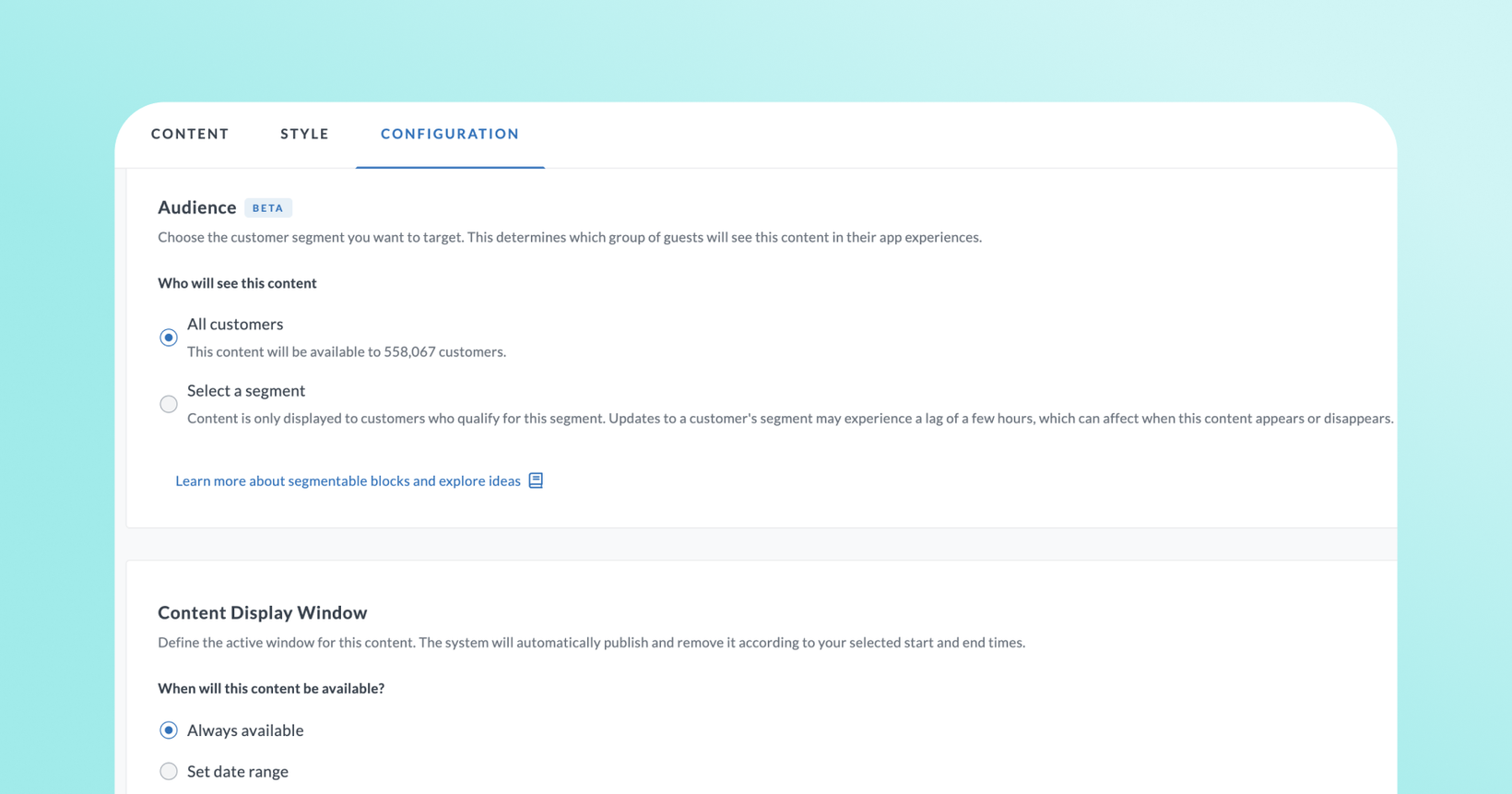
Scheduled & targeted content blocks
Now you can control who sees each content block in their app and when it appears, without manual reminders or workarounds. Scheduled & Targeted Content Blocks let you plan campaigns in advance, personalize by guest segment, and run promotions that start and stop automatically.
 What is it?
Scheduled & Targeted Content Blocks add two new controls to every content block on your app home page:
Targeting: Show a block to a specific audience — VIPs, new members, lapsed guests, or any custom segment — while other guests see something else (or nothing).
Scheduling: Set a start date, an end date, or both. The block goes live and expires automatically.
And yes, you can use targeting and scheduling together on the same block. Each block supports one audience segment at a time.
 Why it matters
Now the app home page works like your other marketing channels. You can give VIP guests an exclusive offer while first-time visitors see a welcome message. You can schedule a holiday promotion to run December 1–25 and disappear automatically when it ends. You can set up a win-back message for guests who haven't ordered in 60 days, without the need to set manual reminders to remove the block.
 How it works
In the Thanx Dashboard, go to Digital Experiences → Brand & Content → App Home Page
Create or edit a content block
Open the Customization tab
Set a Content Display Window (start date, end date, or both) and/or an Audience (All Customers or a specific segment)
Publish — the block will go live and expire on the schedule you set
 Where to find it in Thanx
Digital Experiences → Brand & Content → App Home Page → open any content block → Customization tab
Links