- STAGE:
- Complete
- RELATED ANNOUNCEMENTS:

Integrations
Loyalty
In-Store Enrollment at the POS
STAGE:
Complete
RELATED ANNOUNCEMENTS:
In-store enrollment at the POS
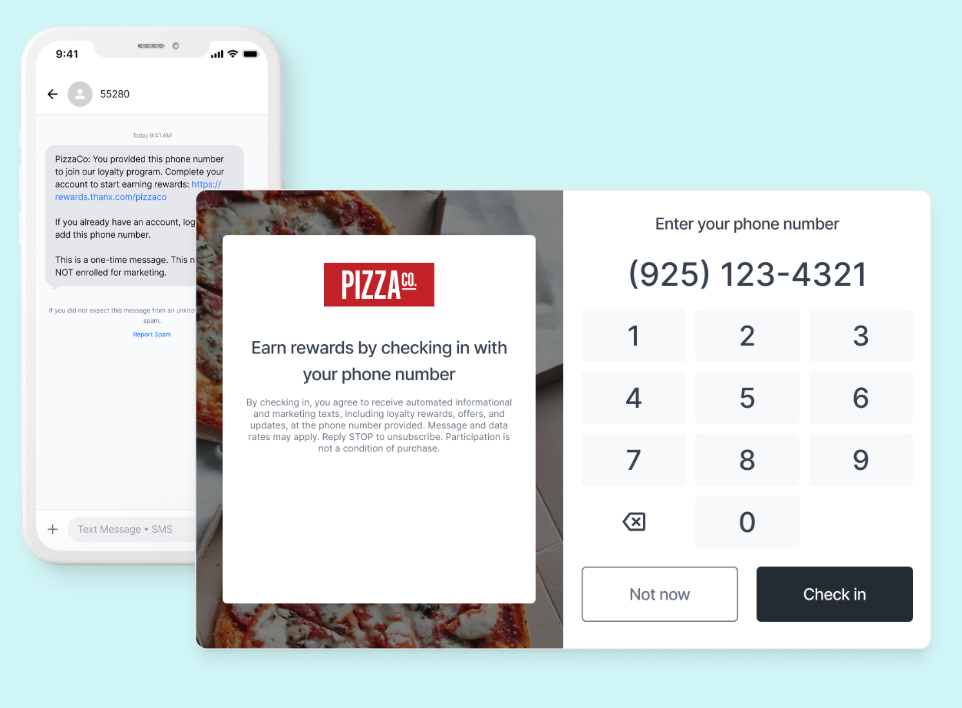
In-store enrollment makes it easier to grow your loyalty program by prompting guests to sign up during checkout.
When enabled, guests who provide a phone number or email at the POS—and aren’t already loyalty members—can receive a one-time SMS to complete enrollment through your App-less loyalty experience.
To turn on enrollment at the POS, go to:
Digital Experiences → Settings → In-Store Enrollment
Available prompting options vary by POS and include:
Prompt only when guests ask to enroll
Prompt when guests ask to enroll or enter an unknown phone/email
For setup steps, POS-specific availability, and best practices, see the Help Center.